 MyHazMate
Built to support your workplace chemical register
From AI label scanning to site QR codes — the tools your team needs to build and maintain a hazardous chemical register and keep SDS records in order.
AI Photo Recognition
Point your phone at any product label. MyHazMate's AI instantly identifies the material and extracts all the details you need for your register.
- Reads product name and manufacturer from labels
- Identifies UN numbers and Dangerous Goods class
- Works on tins, bottles, drums, and packaging
- Handles faded or partially obscured labels
- Powered by Claude AI for high accuracy
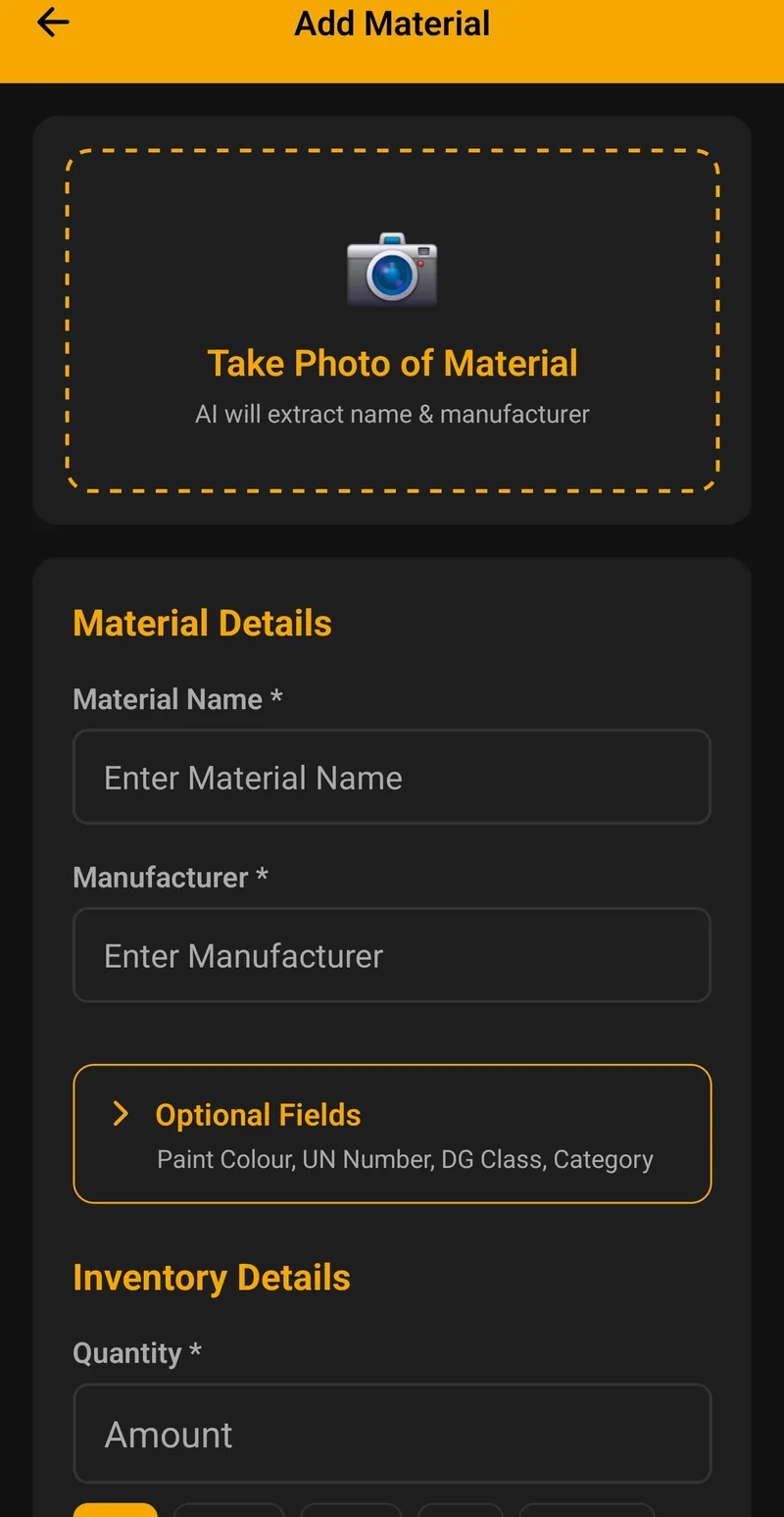
Automatic SDS Search & Tracking
An SDS should be no more than 5 years old from its issue date. MyHazMate takes on the searching and the expiry tracking so your team doesn't have to.
- AI searches manufacturer sources and databases for a matching SDS
- You review the suggested SDS before it's attached to your product
- If no match is found, we email the supplier on your behalf and follow up
- Extracts issue date and calculates expiry automatically
- Status indicators: Active, Expiring Soon, Expired, Pending
- View any SDS instantly from your phone or web portal
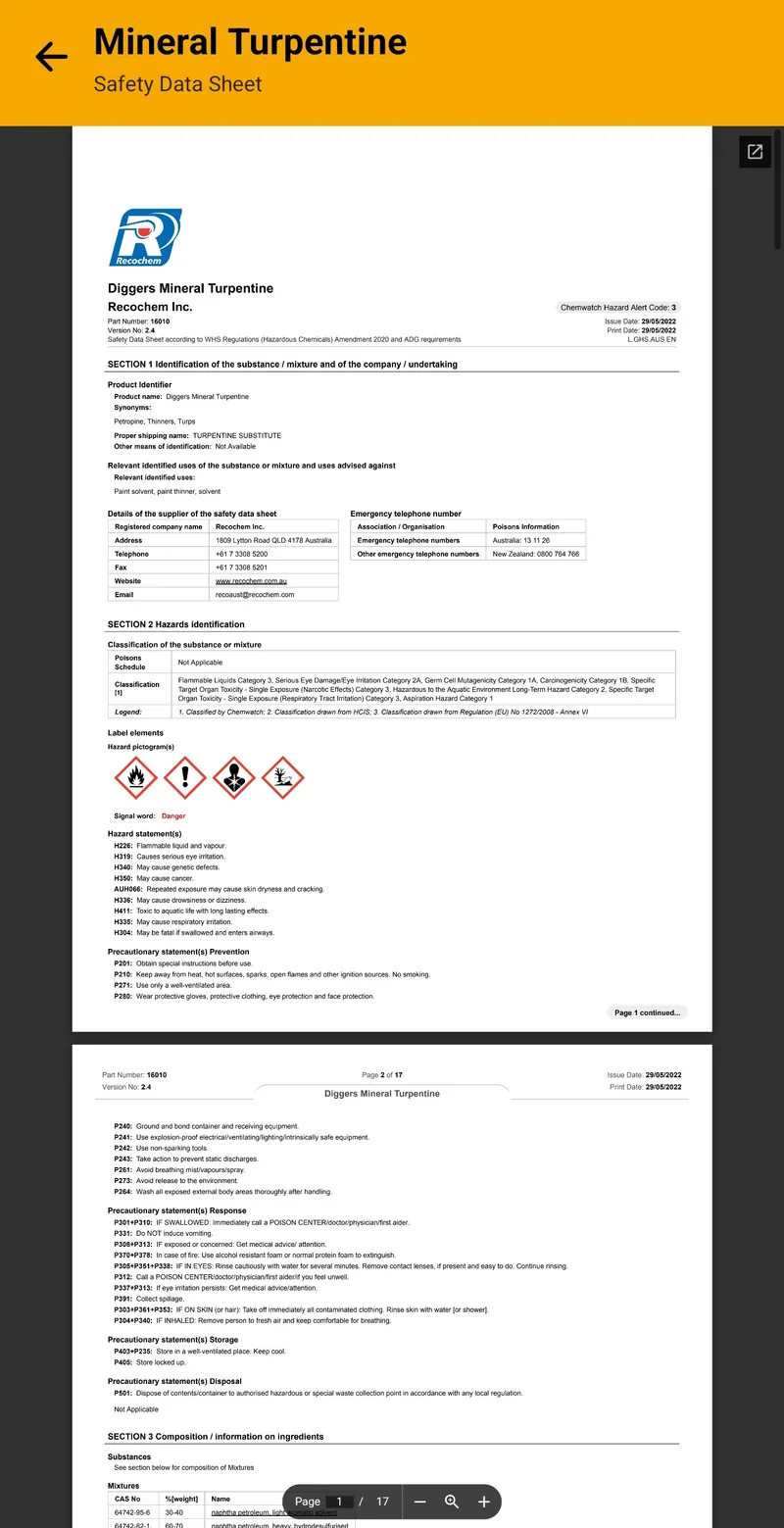
Multi-Site Management
Manage separate hazardous materials registers for each of your work sites. Perfect for businesses with multiple locations, projects, or franchises.
- Create unlimited sites (plan dependent)
- Each site has its own materials register
- Define storage locations within each site
- Switch between sites instantly
- Site-specific emergency QR codes
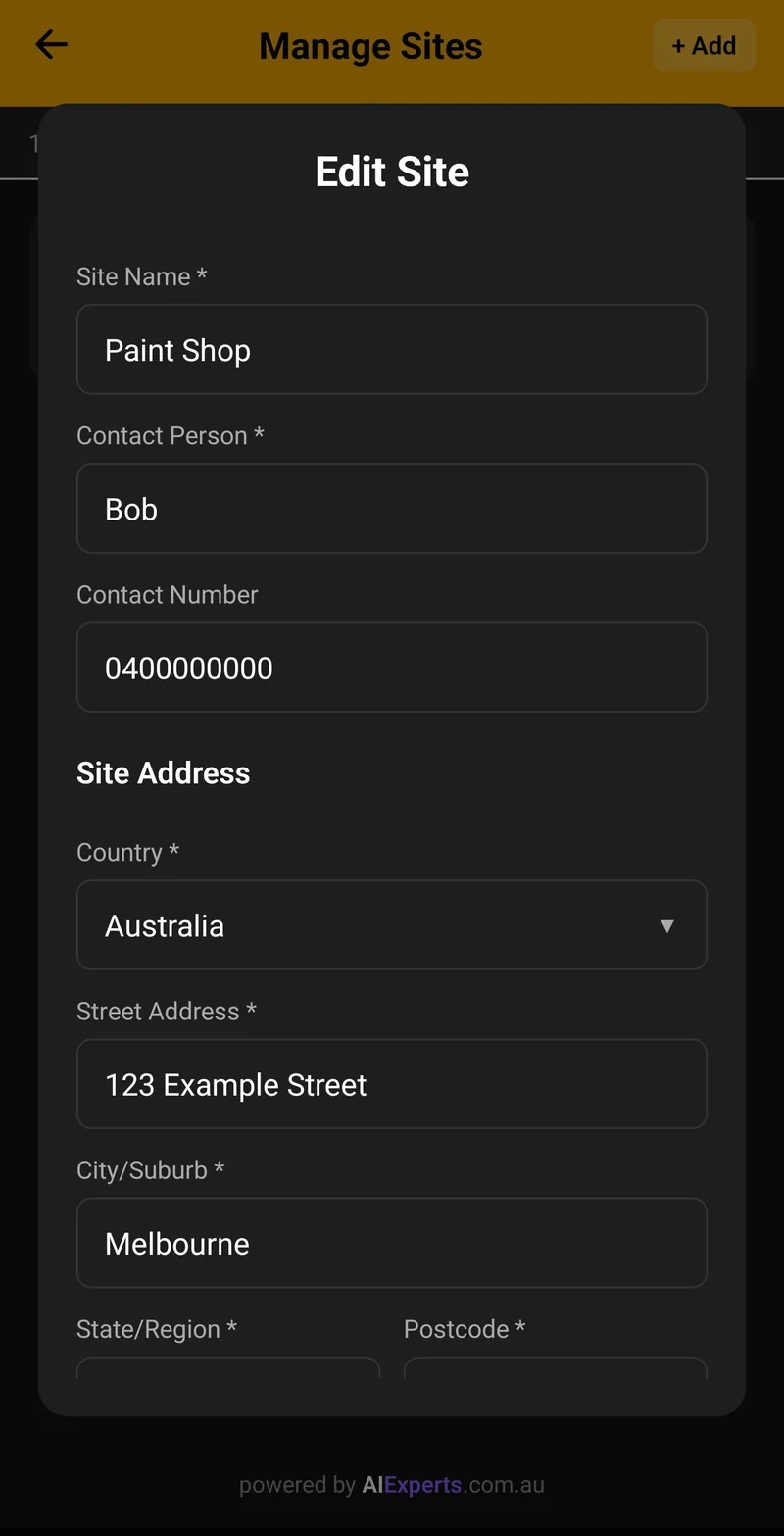
Emergency QR Codes
Generate a QR code for each site. Emergency services can scan to see the current site chemical summary you've published — read only, no login required. It is not a substitute for a Schedule 12 manifest when your site exceeds manifest thresholds.
- Unique QR code per site
- Print and laminate for site entrances
- Shows the products, quantities and locations you've published
- Displays Dangerous Goods classes prominently
- Live data — always shows the current published information
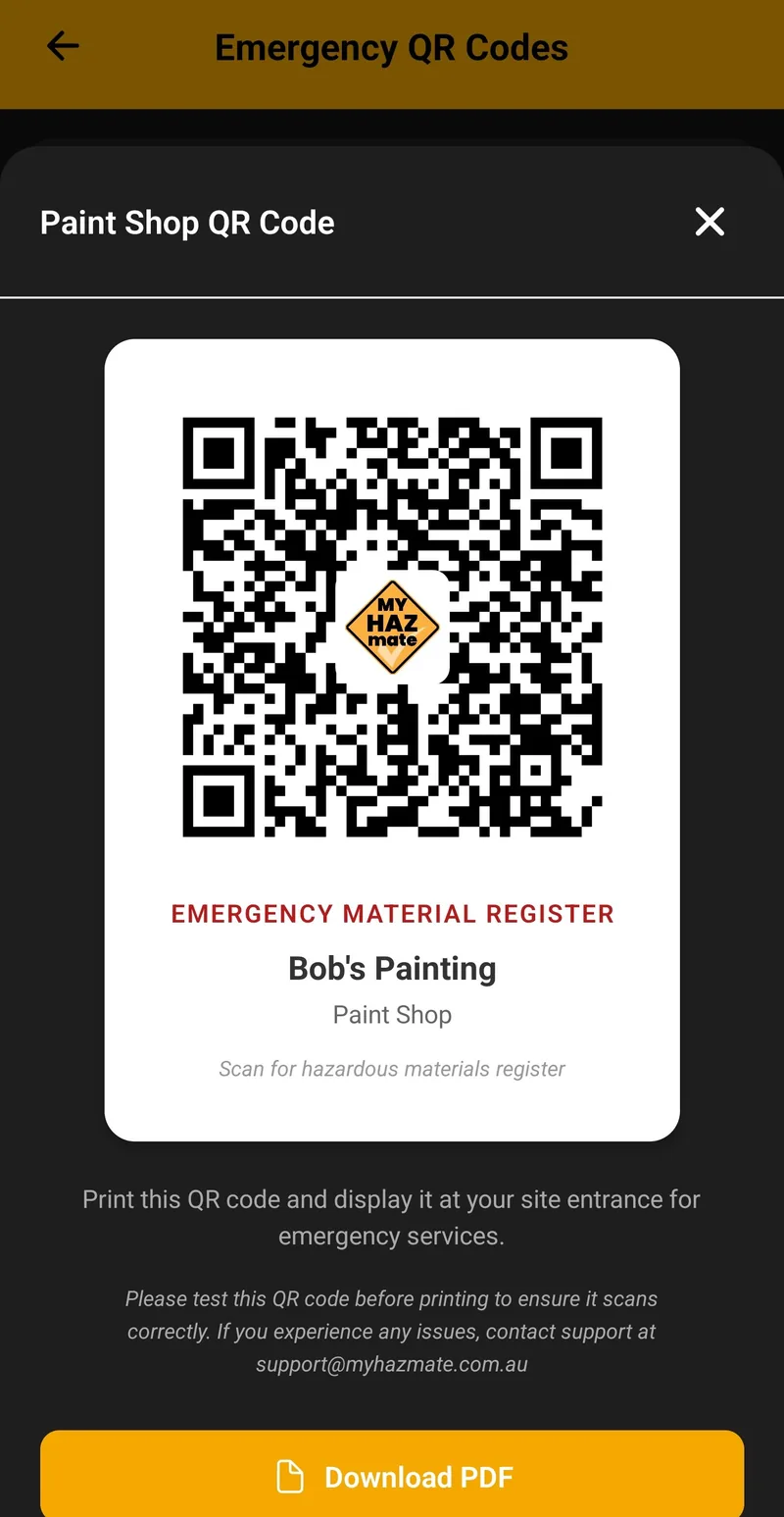
Inventory & Quantity Tracking
Track exactly how much of each material you have on site. Record quantities in litres, kilograms, or units with optional lot/batch numbers.
- Track quantities: litres, kg, or units
- Record lot/batch numbers for traceability
- Assign materials to specific storage locations
- View total quantities per DG class
- Full audit trail of changes
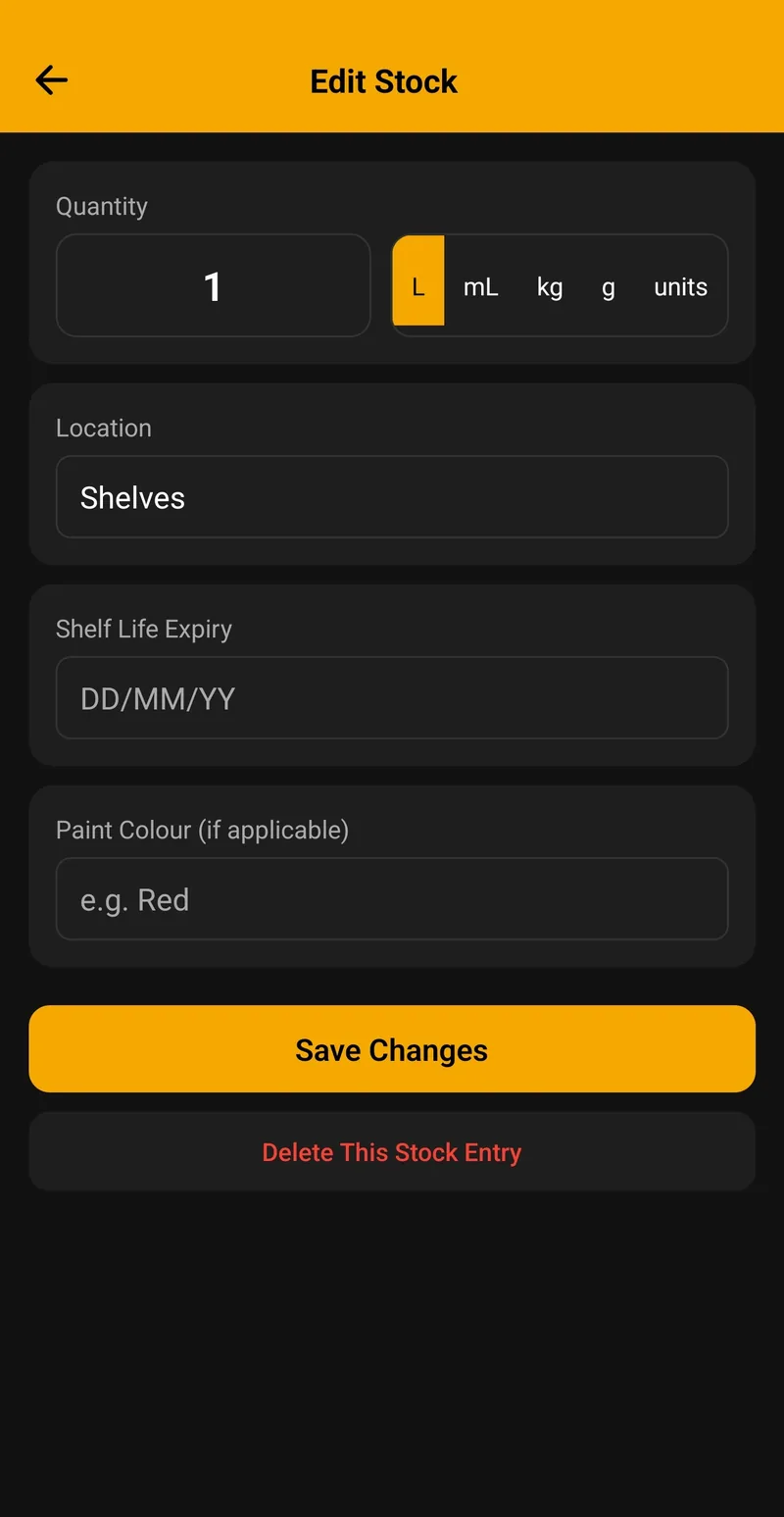
Team & User Management
Add your team members and control what they can access. Three role levels ensure the right people have the right permissions.
- Manager: Full access including billing
- Admin: Manage materials, users, and sites
- User: View and add materials only
- Add unlimited users (plan dependent)
- Activity log tracks all changes
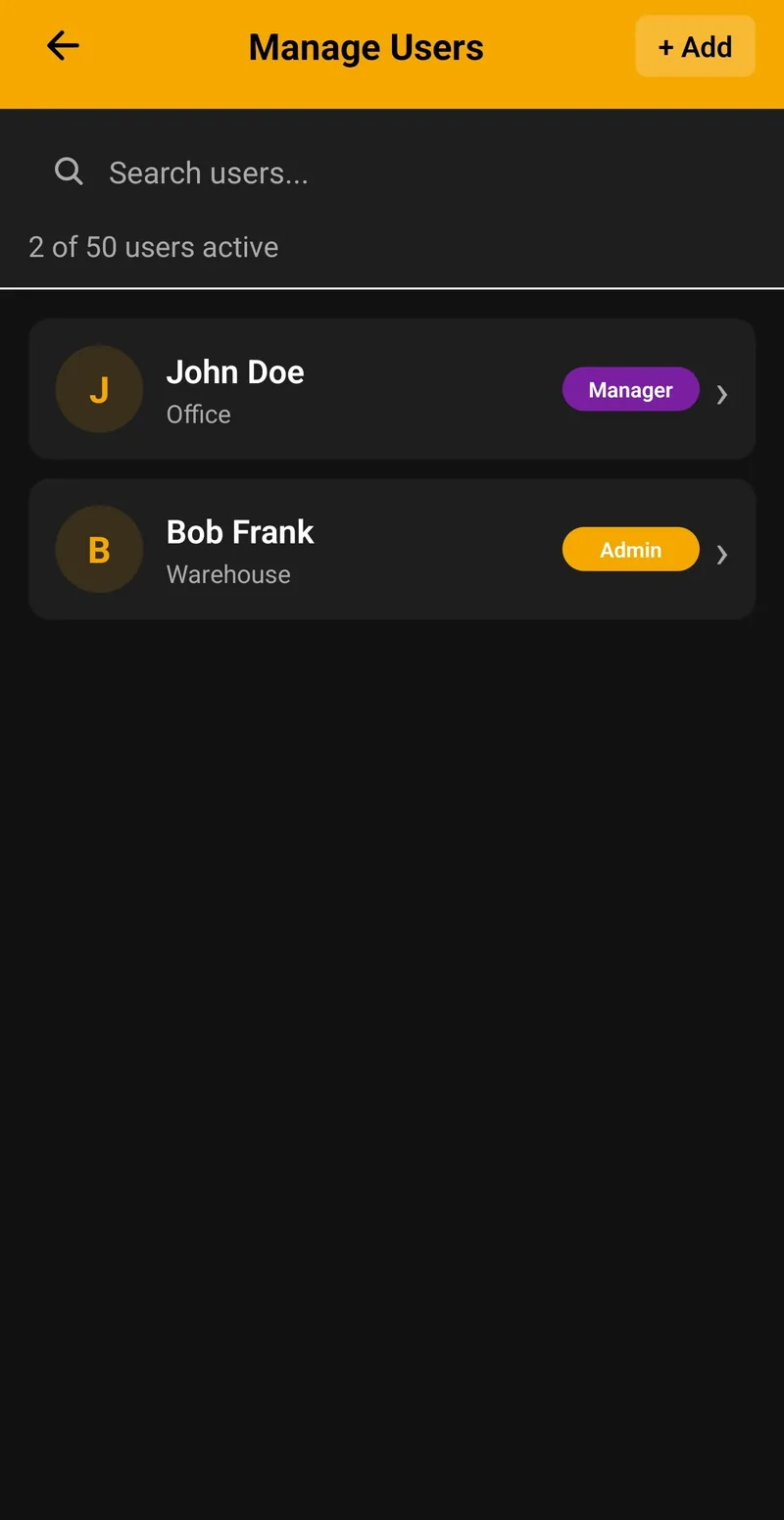
Product Categories & DG Classes
Organize materials by product category and track Dangerous Goods classifications. Filter and search your register instantly.
- 12 product categories (Paints, Solvents, Fuels, etc.)
- All 9 UN Dangerous Goods classes supported
- Filter by category, DG class, or manufacturer
- Search by product name or UN number
- Quick view of materials by SDS status
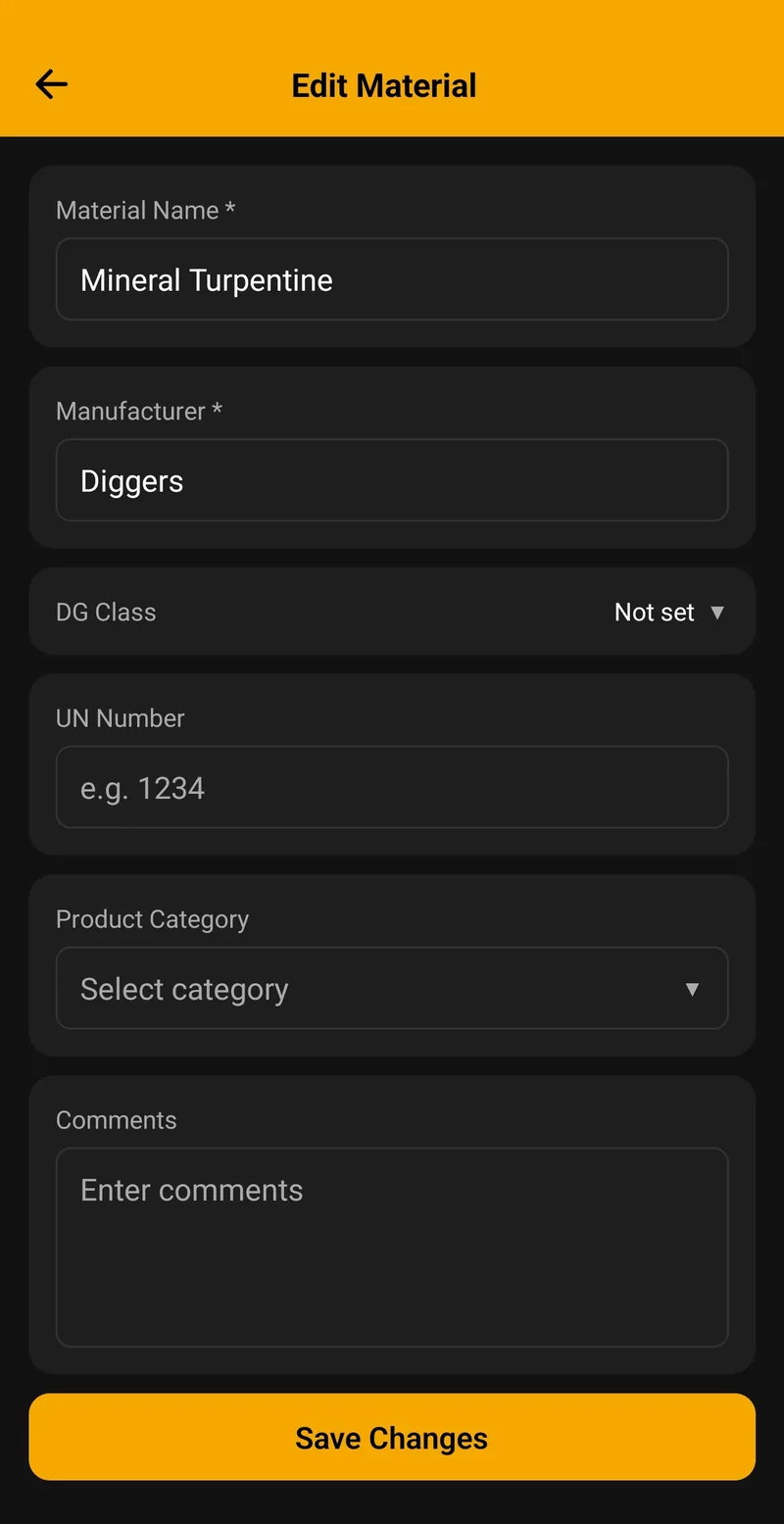
Activity Log & Audit Trail
Every action is logged with timestamps. Perfect for compliance audits and tracking who did what and when.
- Tracks all material additions and edits
- Records user logins and actions
- Human-readable activity descriptions
- Filter by date, user, or action type
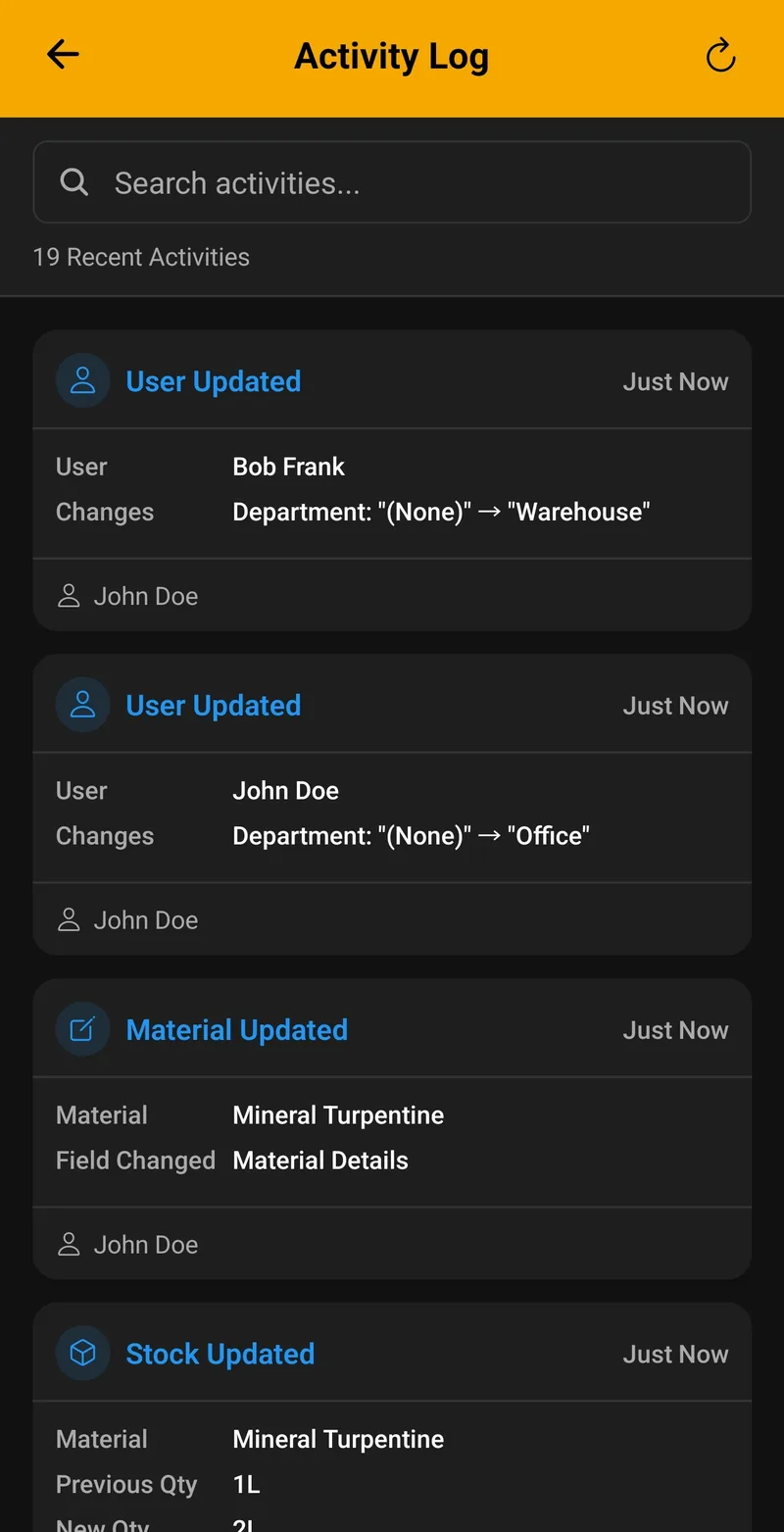
Storage Locations
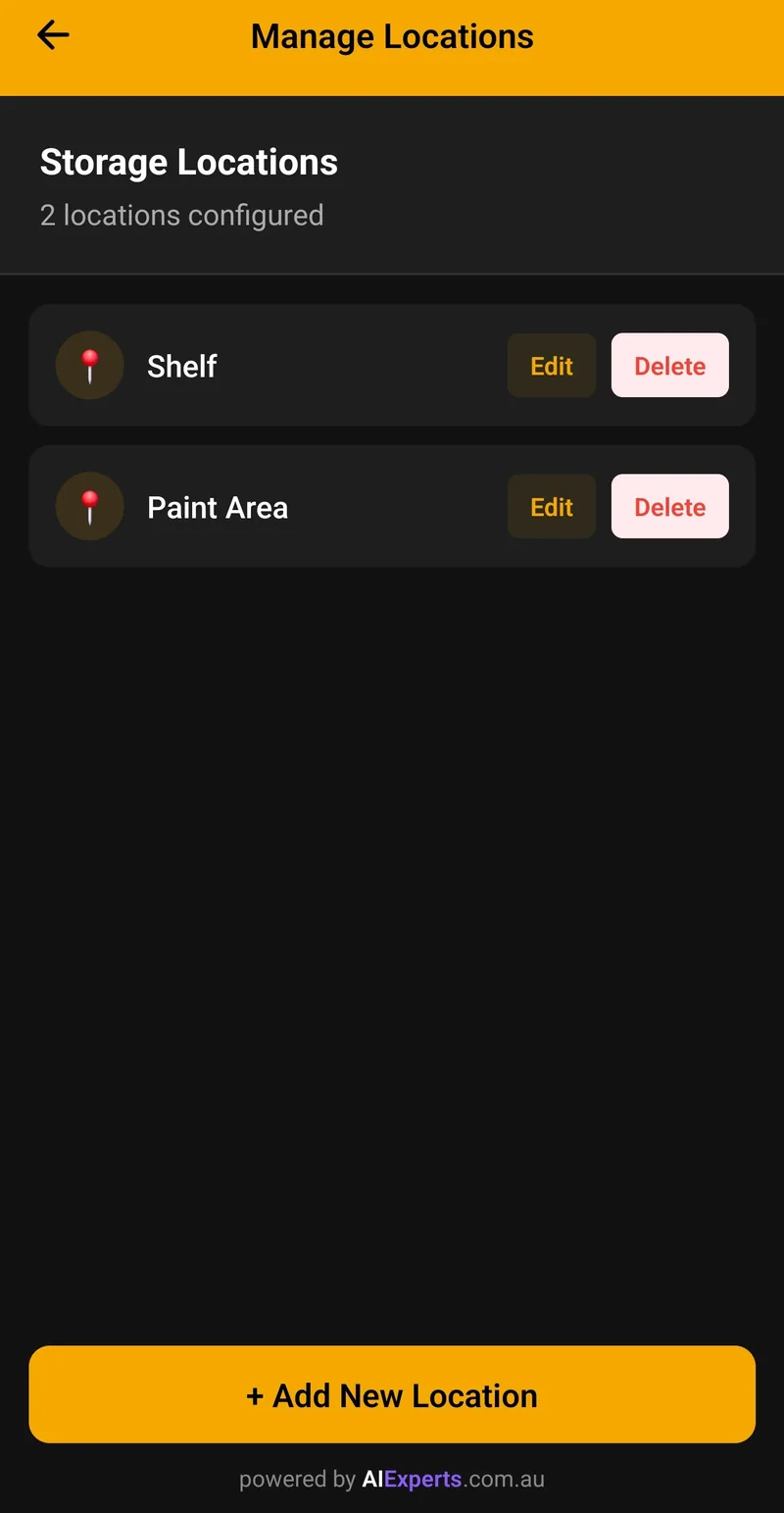
Define storage locations within each site and assign materials to specific areas. Know exactly where everything is stored.
- Create custom storage locations per site
- Assign materials to specific locations
- Filter materials by storage location
- Emergency manifest shows locations
- Track DG quantities by storage area
Enterprise-Grade Security
Your data is protected by industry-leading cloud security and encryption.
- Secure cloud database with row-level security
- Enterprise-grade cloud infrastructure
- Automatic backups and redundancy
- SSL/TLS encryption in transit
- Compliant with Australian privacy laws
Search & Filter
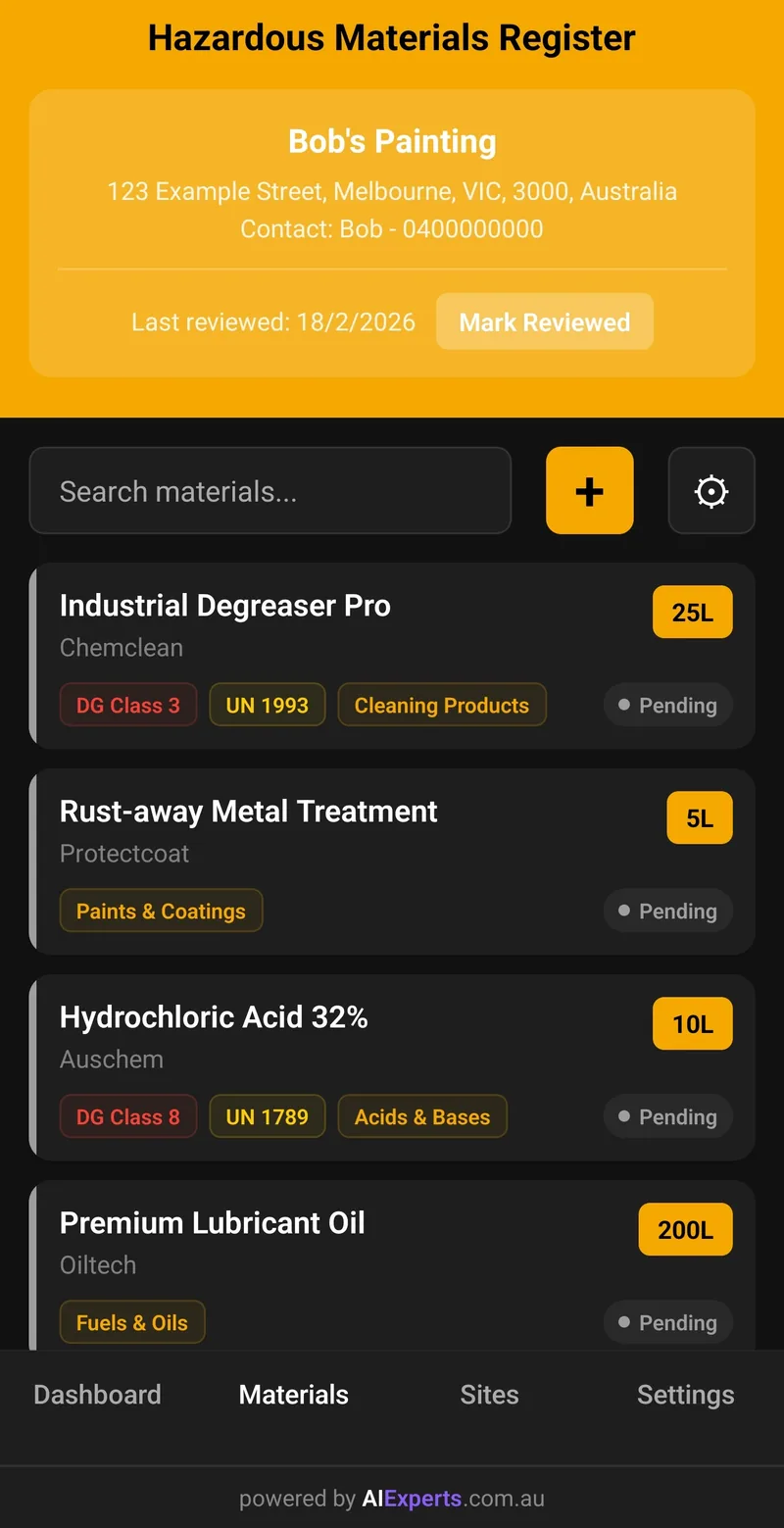
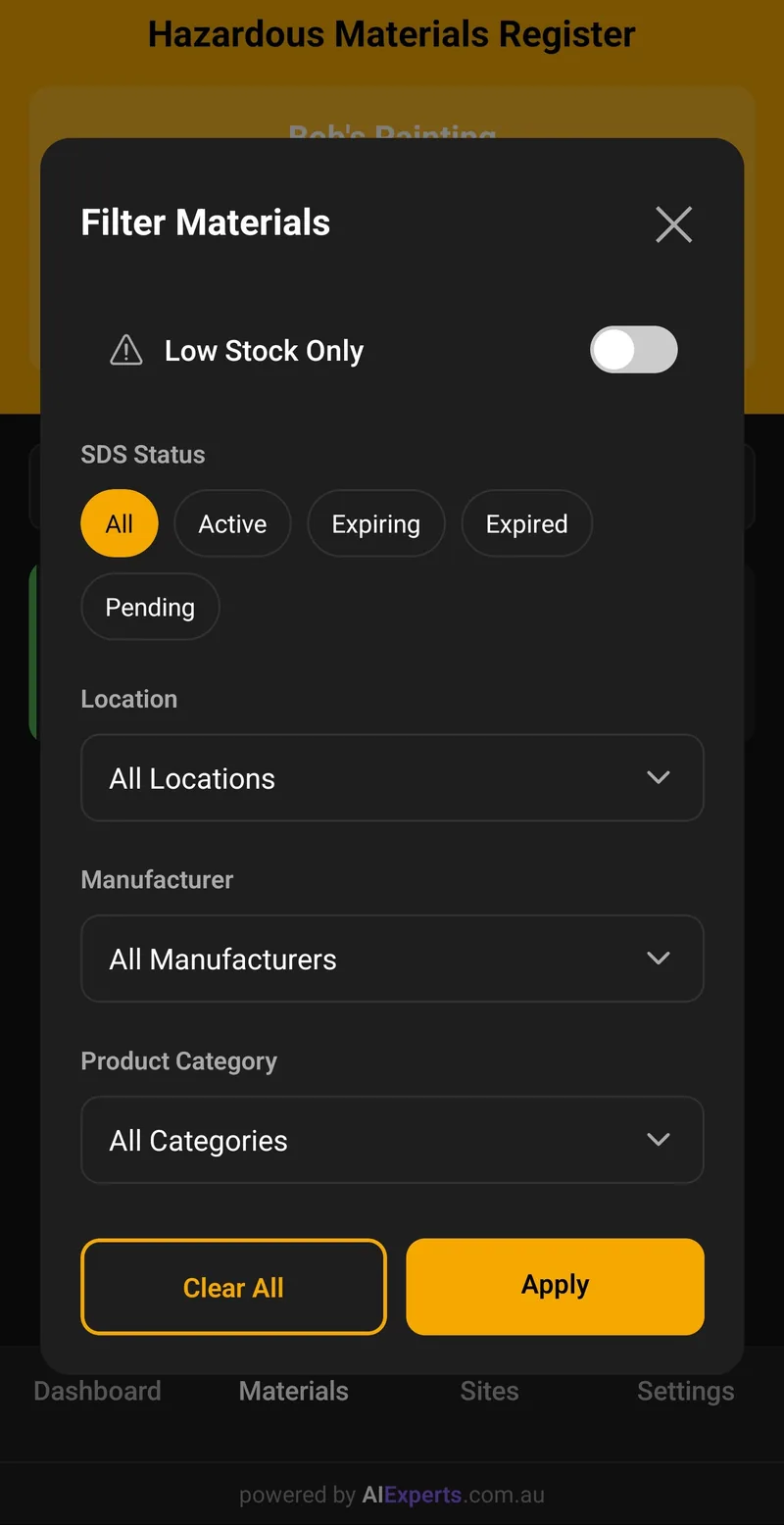
Find any material instantly with powerful search and filter options. Never waste time scrolling through lists.
- Search by product name or manufacturer
- Search by UN number
- Filter by storage location
- Filter by product category
- Filter by SDS status (Active, Expiring, Expired)
- Low stock filter to identify materials running low
Dark Mode & Themes
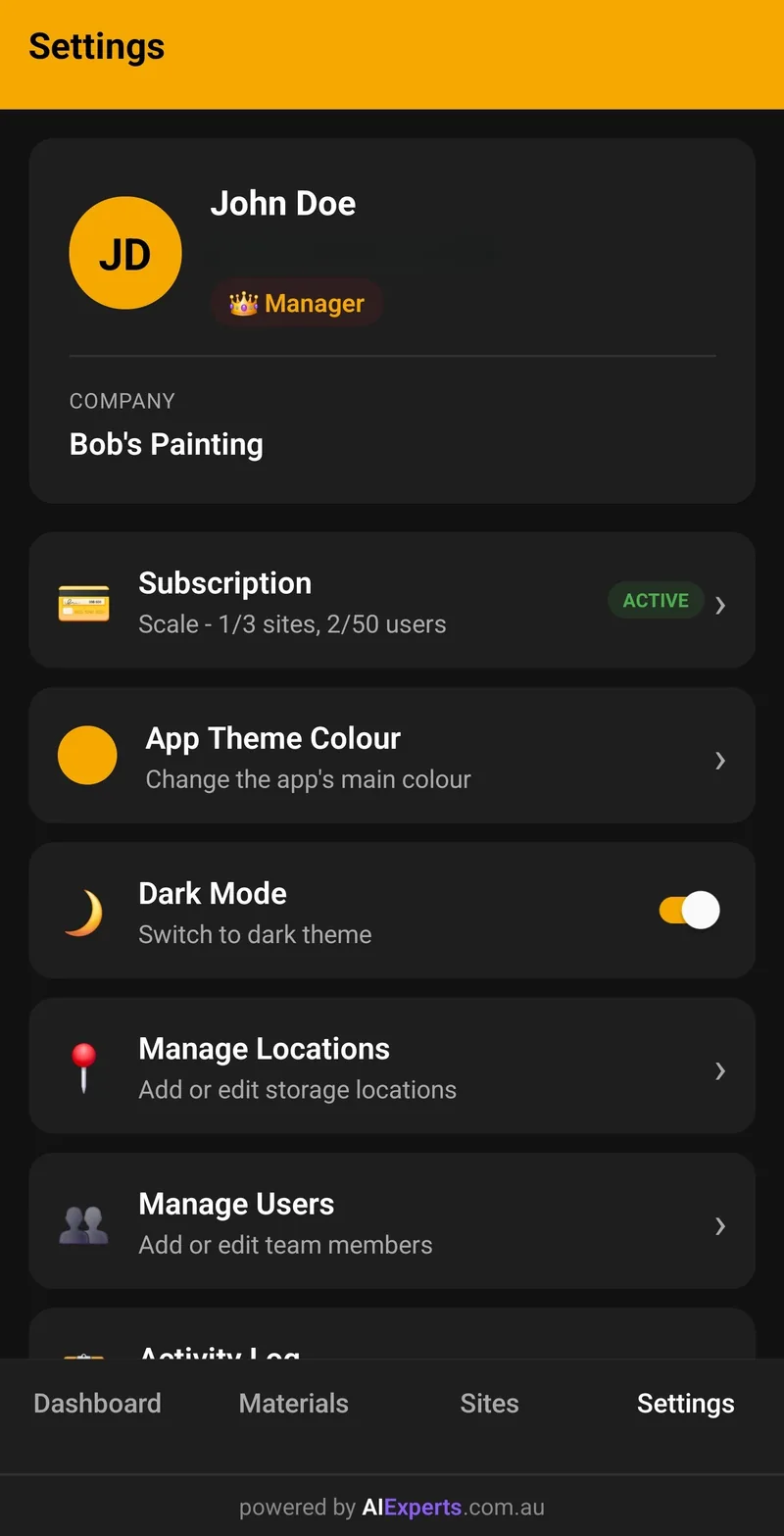
Customise the app's appearance to match your preferences. Choose from preset themes or create your own.
- 8 preset color themes to choose from
- Custom hex color support
- Dark mode toggle for low-light environments
- Theme persists across all your devices
On the roadmap
Features we're building next. Not available yet — no committed dates. Listed here so nothing on this page is a surprise later.
CSV Import & Export
Bulk-load an existing register from a spreadsheet, and export your live register back out to CSV.
Site-to-Site Transfers
Move a material and its quantity from one site to another with a full audit trail, instead of deleting + re-adding.
Site-Specific User Permissions
Restrict which sites a user can see and edit. Today every user can access every site on the account.
Training Records
Track chemical-safety training per worker alongside the register — currently we focus on the register + SDS side only.
Ready to get started?
Create your free business account online and start your 30-day free trial today — no app download needed to sign up.
Create Free Business Account