 MyHazMate
Built for WHS Compliance
From AI material recognition to emergency QR codes — everything you need to manage hazardous materials and stay compliant.
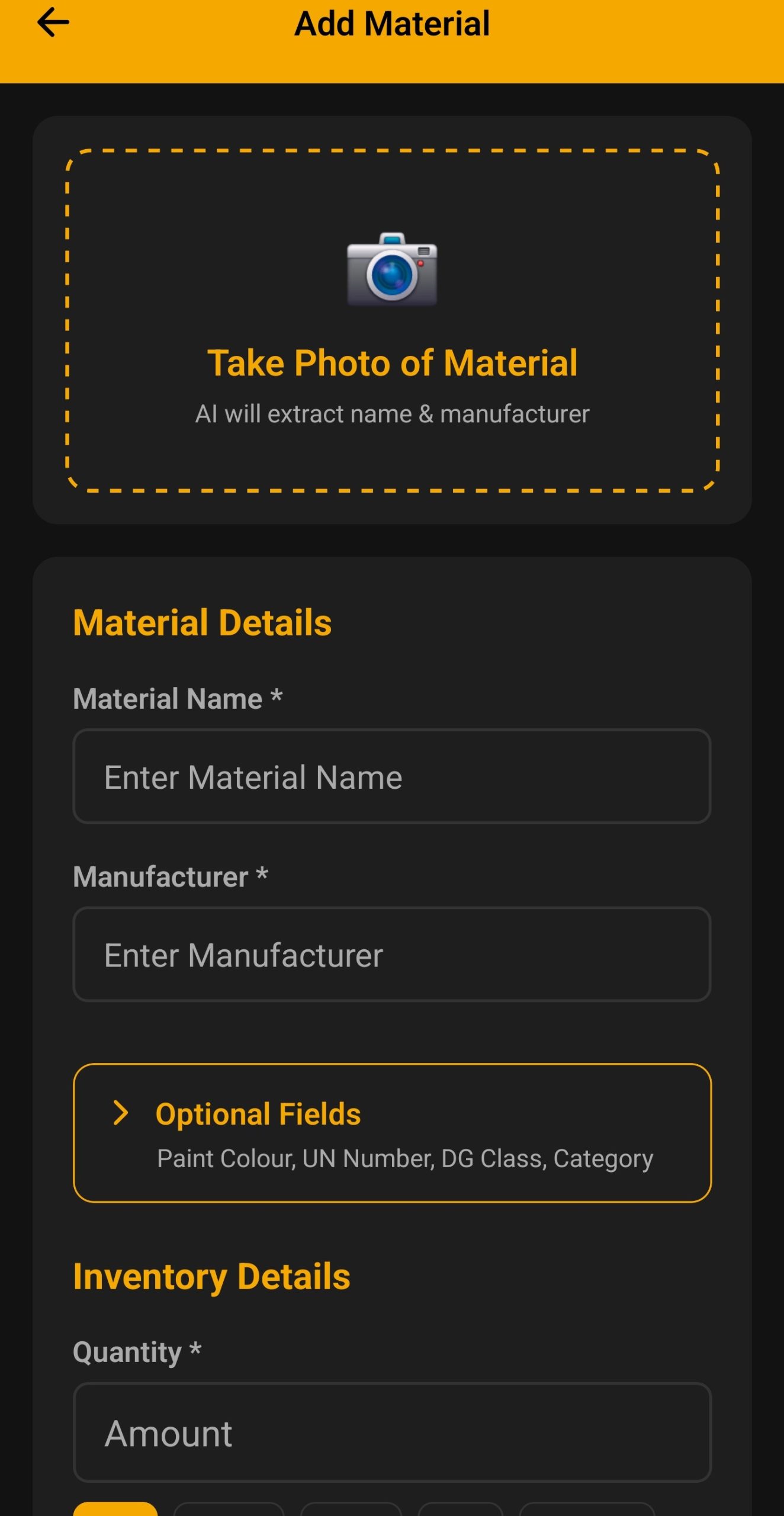
AI Photo Recognition
Point your phone at any product label. MyHazMate's AI instantly identifies the material and extracts all the details you need for your register.
- Reads product name and manufacturer from labels
- Identifies UN numbers and Dangerous Goods class
- Works on tins, bottles, drums, and packaging
- Handles faded or partially obscured labels
- Powered by Claude AI for high accuracy
Automatic SDS Management
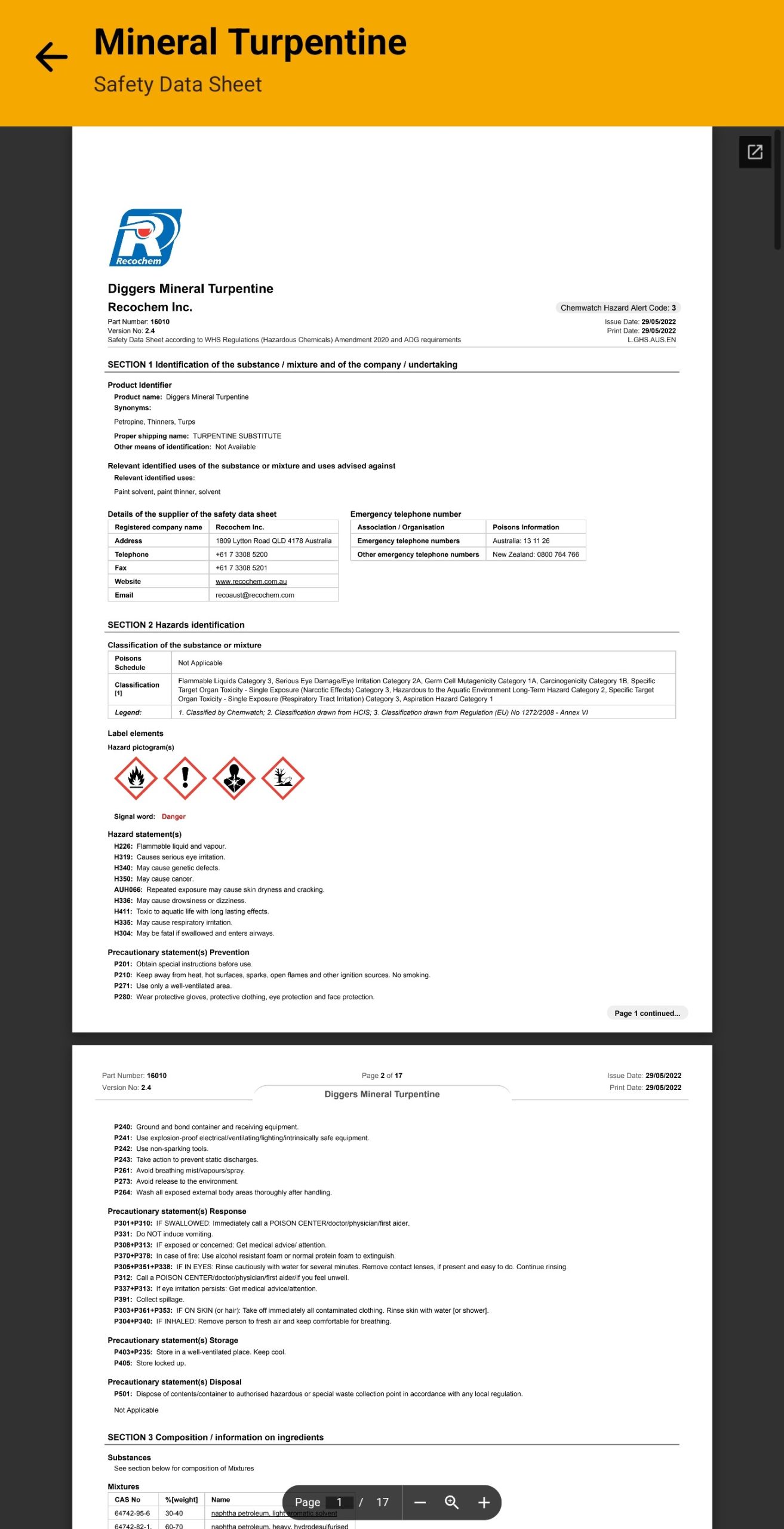
WHS regulations require Safety Data Sheets to be less than 5 years old. MyHazMate handles this automatically — no manual tracking required.
- AI searches and fetches the correct SDS PDF
- If not found, we email suppliers on your behalf
- Human intervention if needed — you're never responsible
- Extracts issue date and calculates expiry automatically
- Status indicators: Active, Expiring Soon, Expired
- View any SDS instantly from your phone
Multi-Site Management
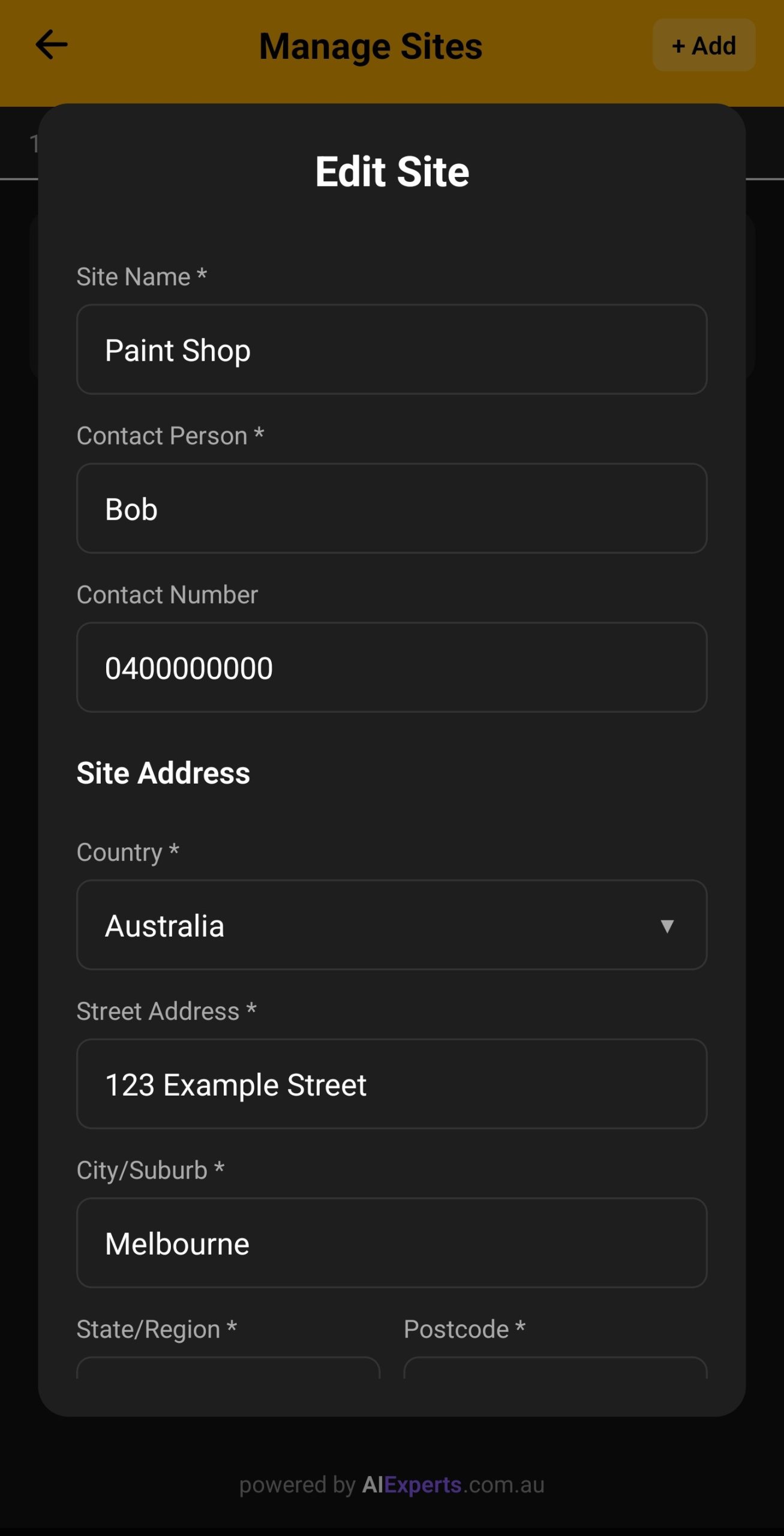
Manage separate hazardous materials registers for each of your work sites. Perfect for businesses with multiple locations, projects, or franchises.
- Create unlimited sites (plan dependent)
- Each site has its own materials register
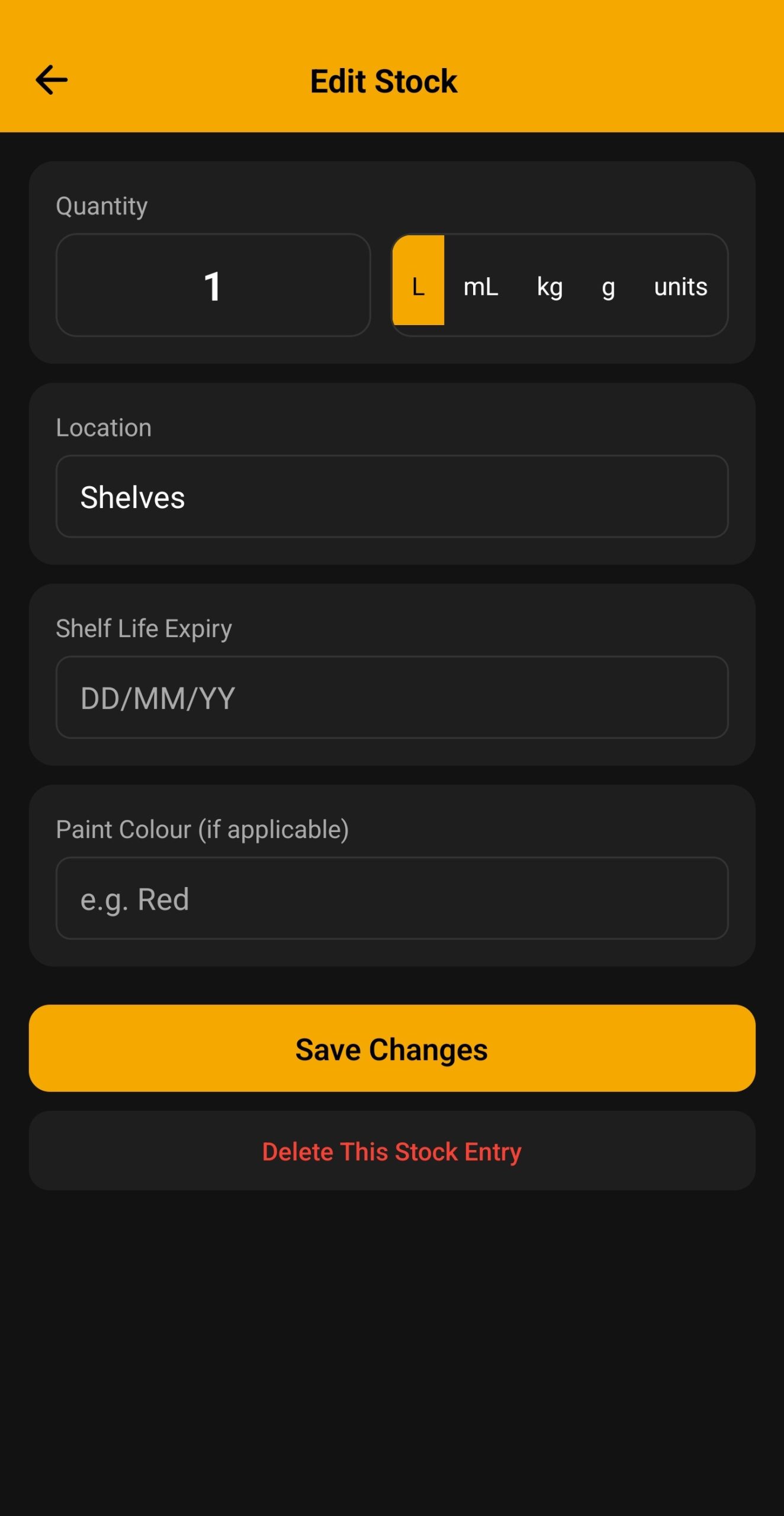
- Define storage locations within each site
- Switch between sites instantly
- Site-specific emergency QR codes
Emergency QR Codes
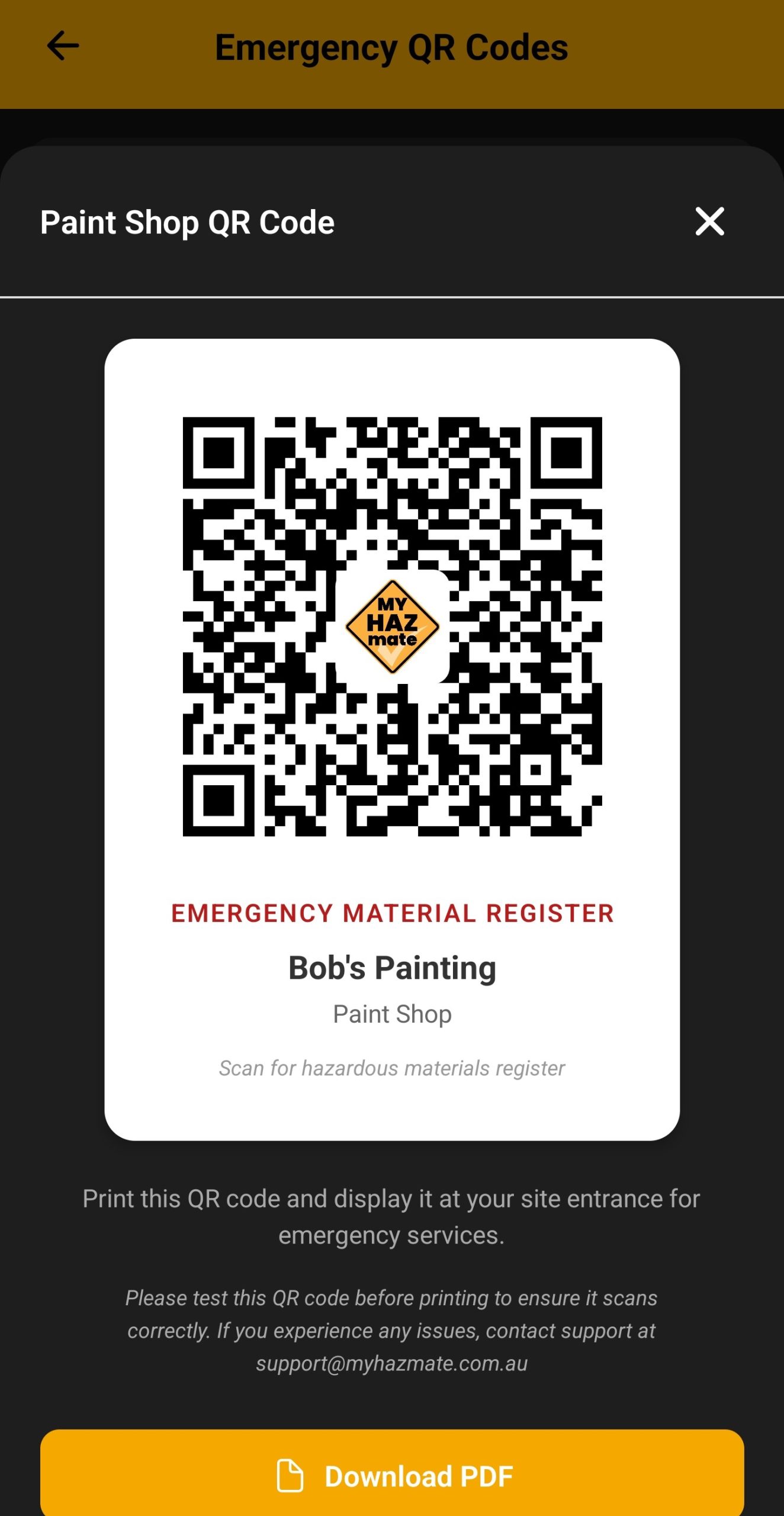
Generate printable QR codes for each site. Emergency services can scan to instantly access your hazardous materials manifest — no login required.
- Unique QR code for each site
- Print and laminate for site entrances
- Shows all materials with quantities and locations
- Displays Dangerous Goods classes prominently
- Live data — always up to date
Inventory & Quantity Tracking
Track exactly how much of each material you have on site. Record quantities in litres, kilograms, or units with optional lot/batch numbers.
- Track quantities: litres, kg, or units
- Record lot/batch numbers for traceability
- Assign materials to specific storage locations
- View total quantities per DG class
- Full audit trail of changes
Team & User Management
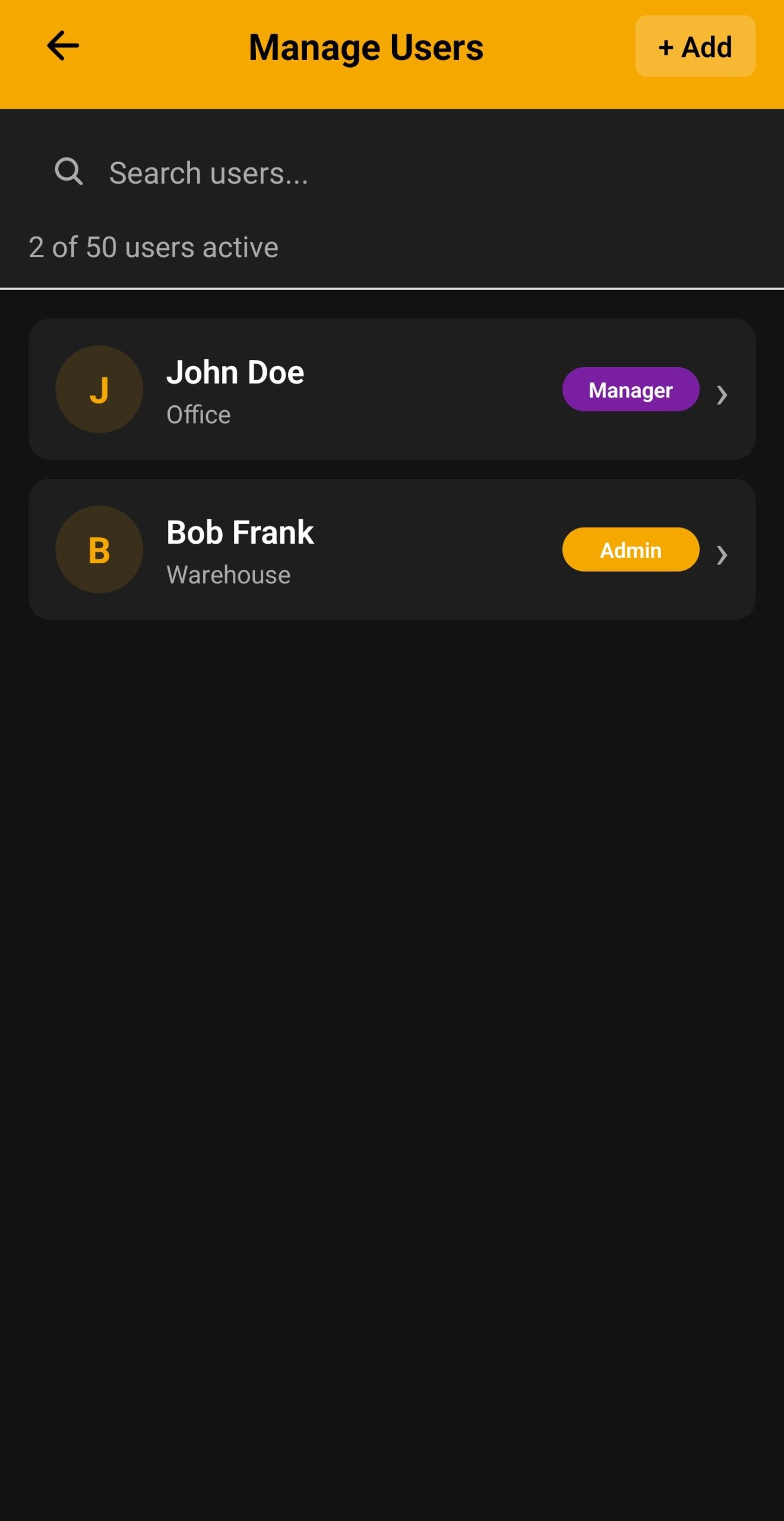
Add your team members and control what they can access. Three role levels ensure the right people have the right permissions.
- Manager: Full access including billing
- Admin: Manage materials, users, and sites
- User: View and add materials only
- Add unlimited users (plan dependent)
- Activity log tracks all changes
Product Categories & DG Classes
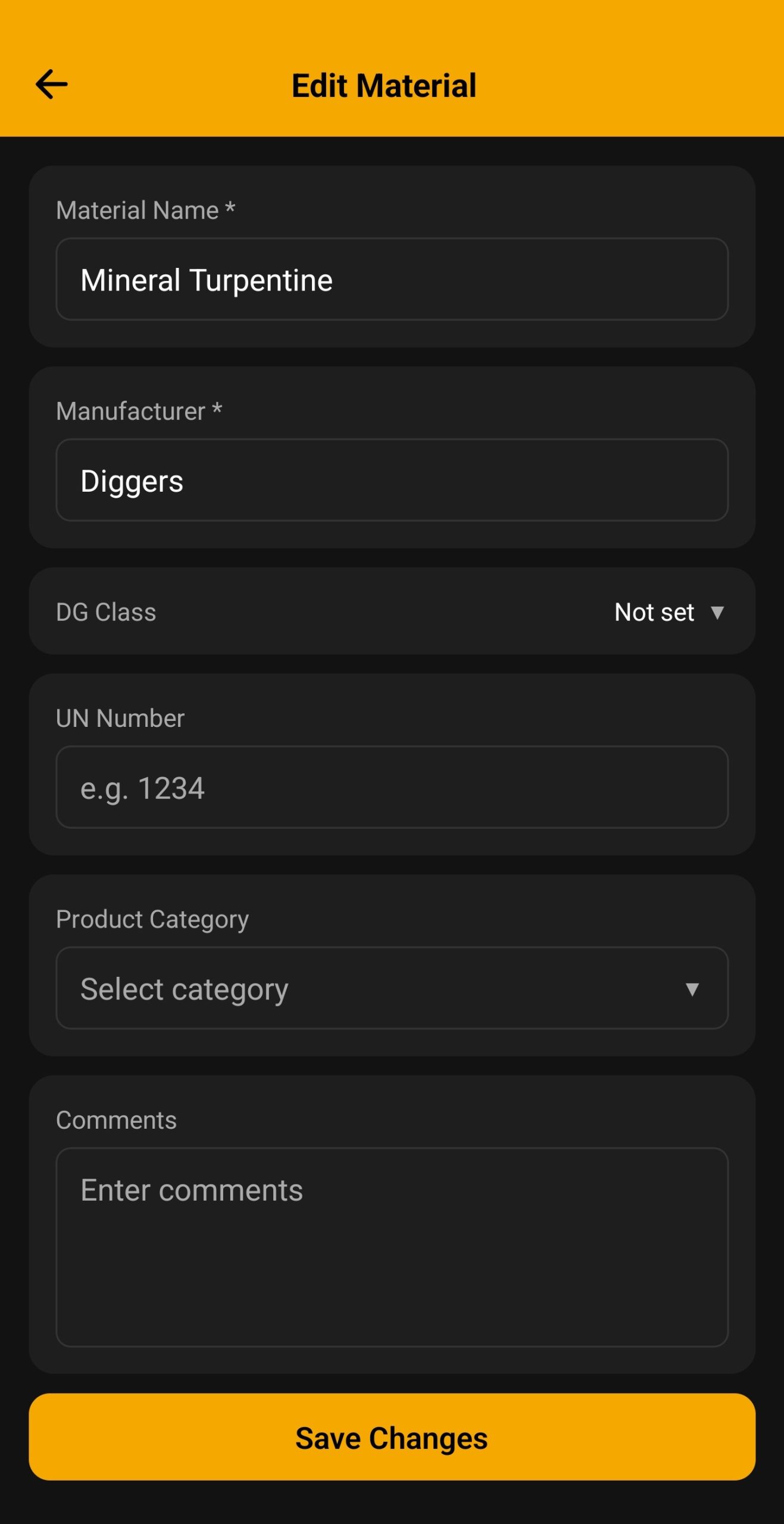
Organize materials by product category and track Dangerous Goods classifications. Filter and search your register instantly.
- 12 product categories (Paints, Solvents, Fuels, etc.)
- All 9 UN Dangerous Goods classes supported
- Filter by category, DG class, or manufacturer
- Search by product name or UN number
- Quick view of materials by SDS status
Activity Log & Audit Trail
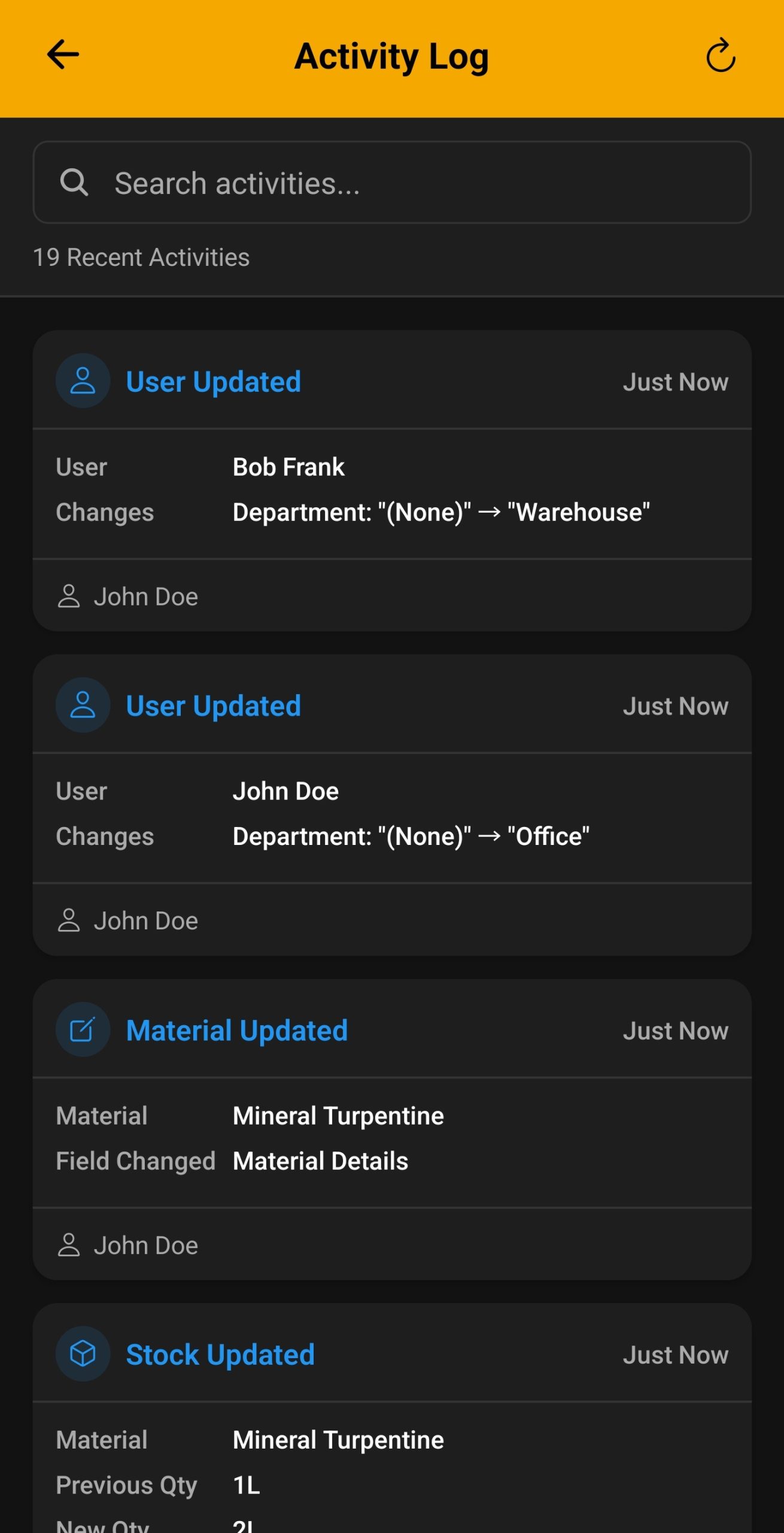
Every action is logged with timestamps. Perfect for compliance audits and tracking who did what and when.
- Tracks all material additions and edits
- Records user logins and actions
- Human-readable activity descriptions
- Filter by date, user, or action type
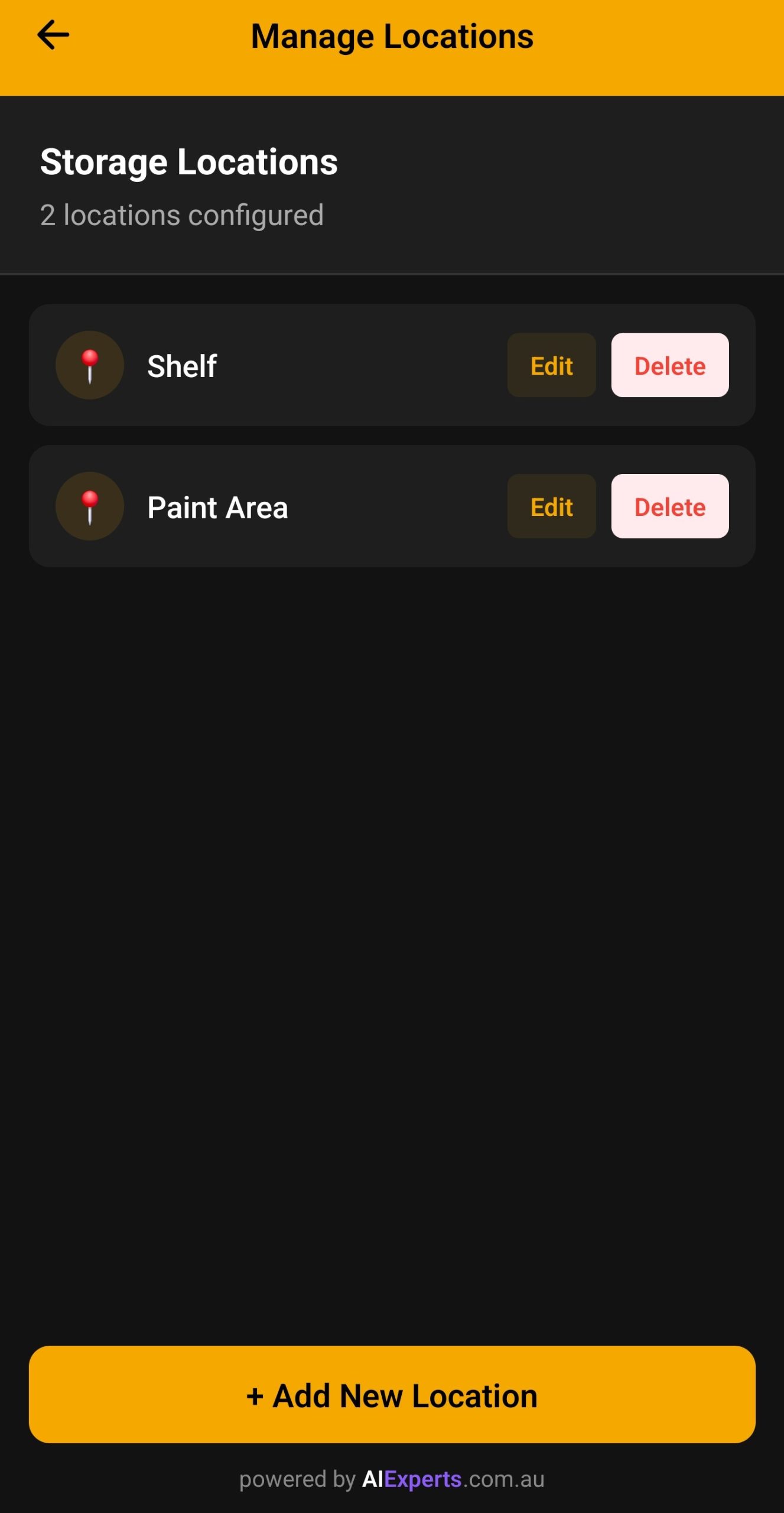
Storage Locations
Define storage locations within each site and assign materials to specific areas. Know exactly where everything is stored.
- Create custom storage locations per site
- Assign materials to specific locations
- Filter materials by storage location
- Emergency manifest shows locations
- Track DG quantities by storage area
Dark Mode & Themes
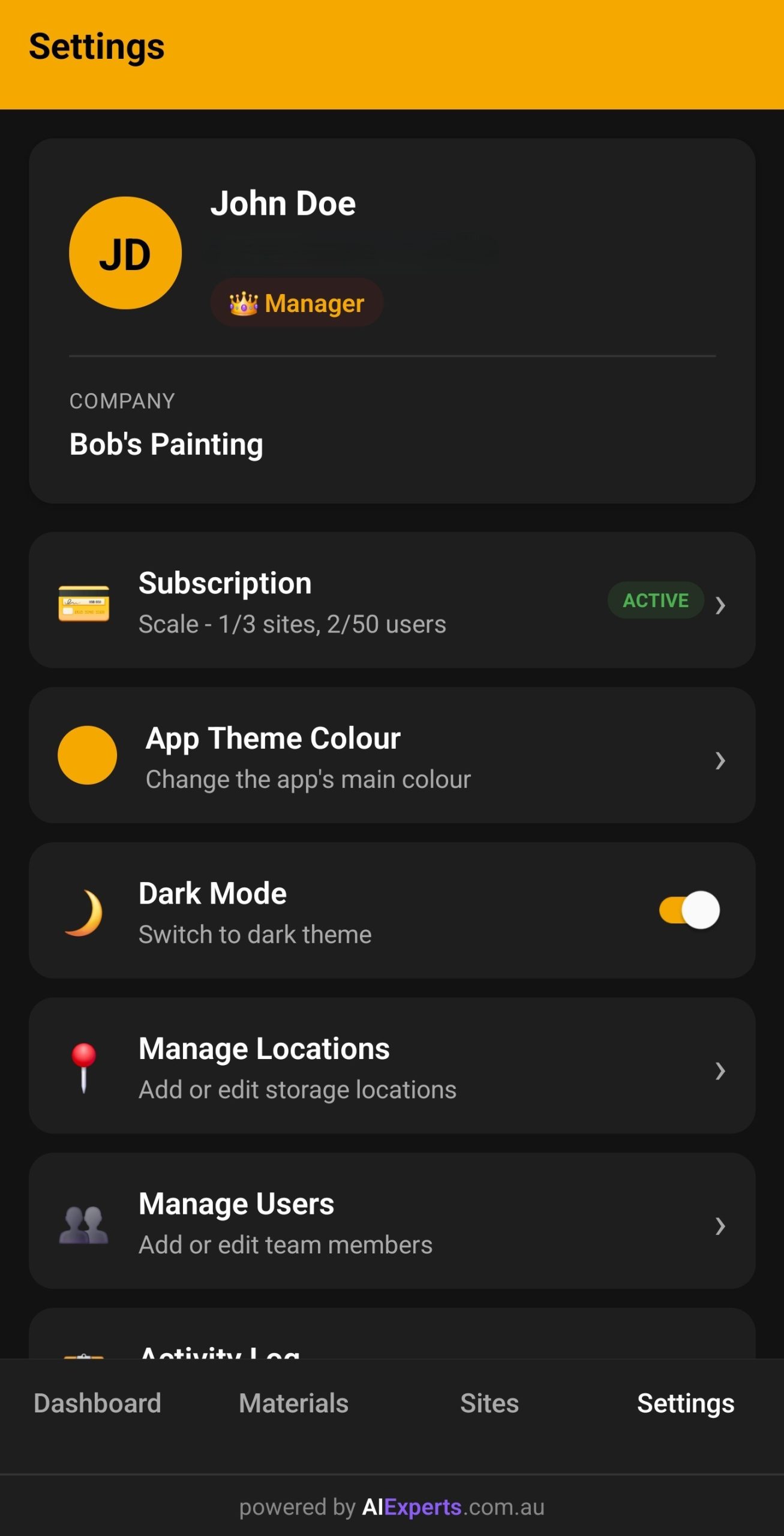
Customise the app's appearance to match your preferences. Choose from preset themes or create your own.
- 8 preset color themes to choose from
- Custom hex color support
- Dark mode toggle for low-light environments
- Theme persists across all your devices
Enterprise-Grade Security
Your data is protected by industry-leading cloud security and encryption.
- Secure cloud database with row-level security
- Enterprise-grade cloud infrastructure
- Automatic backups and redundancy
- SSL/TLS encryption in transit
- Compliant with Australian privacy laws
Search & Filter
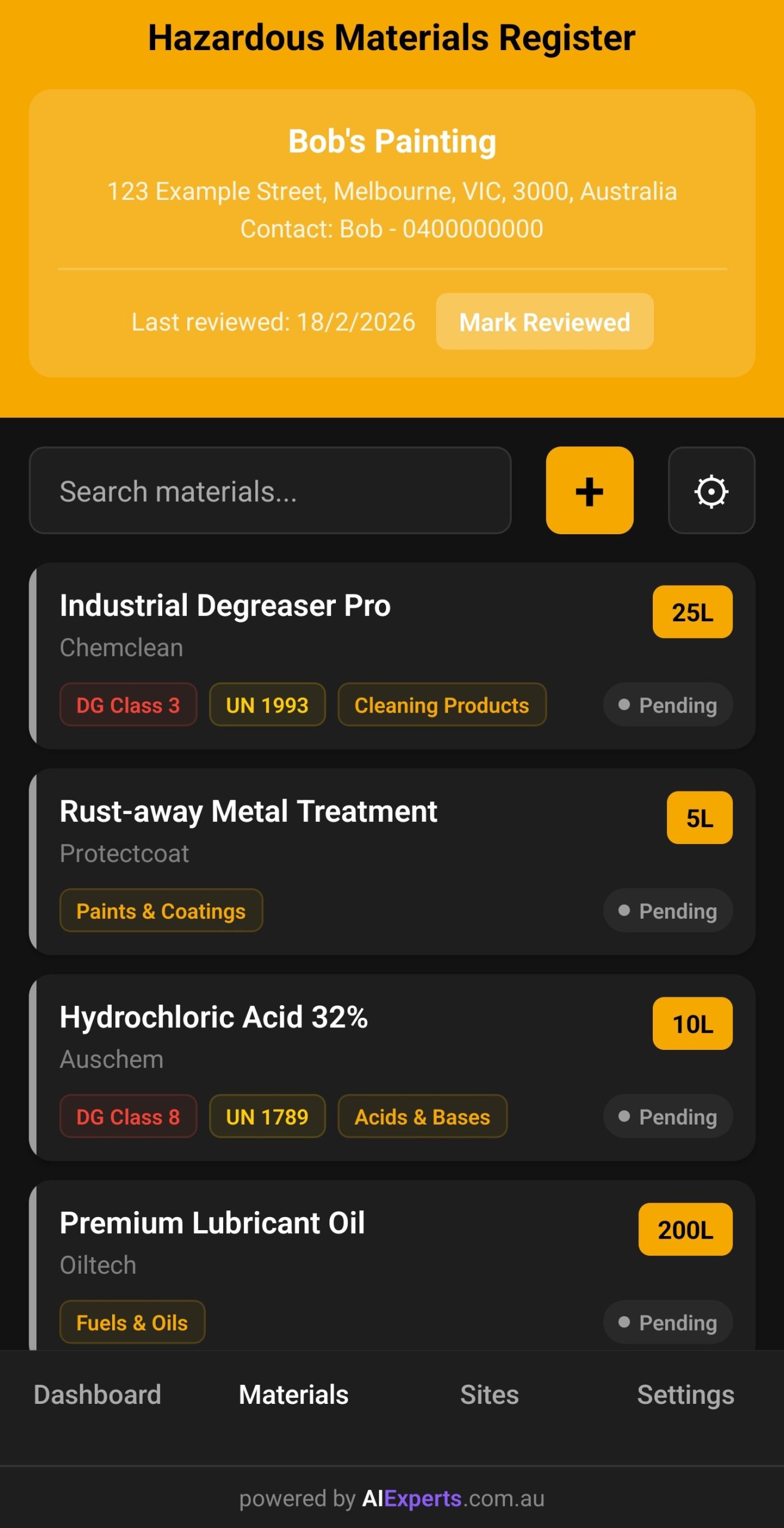
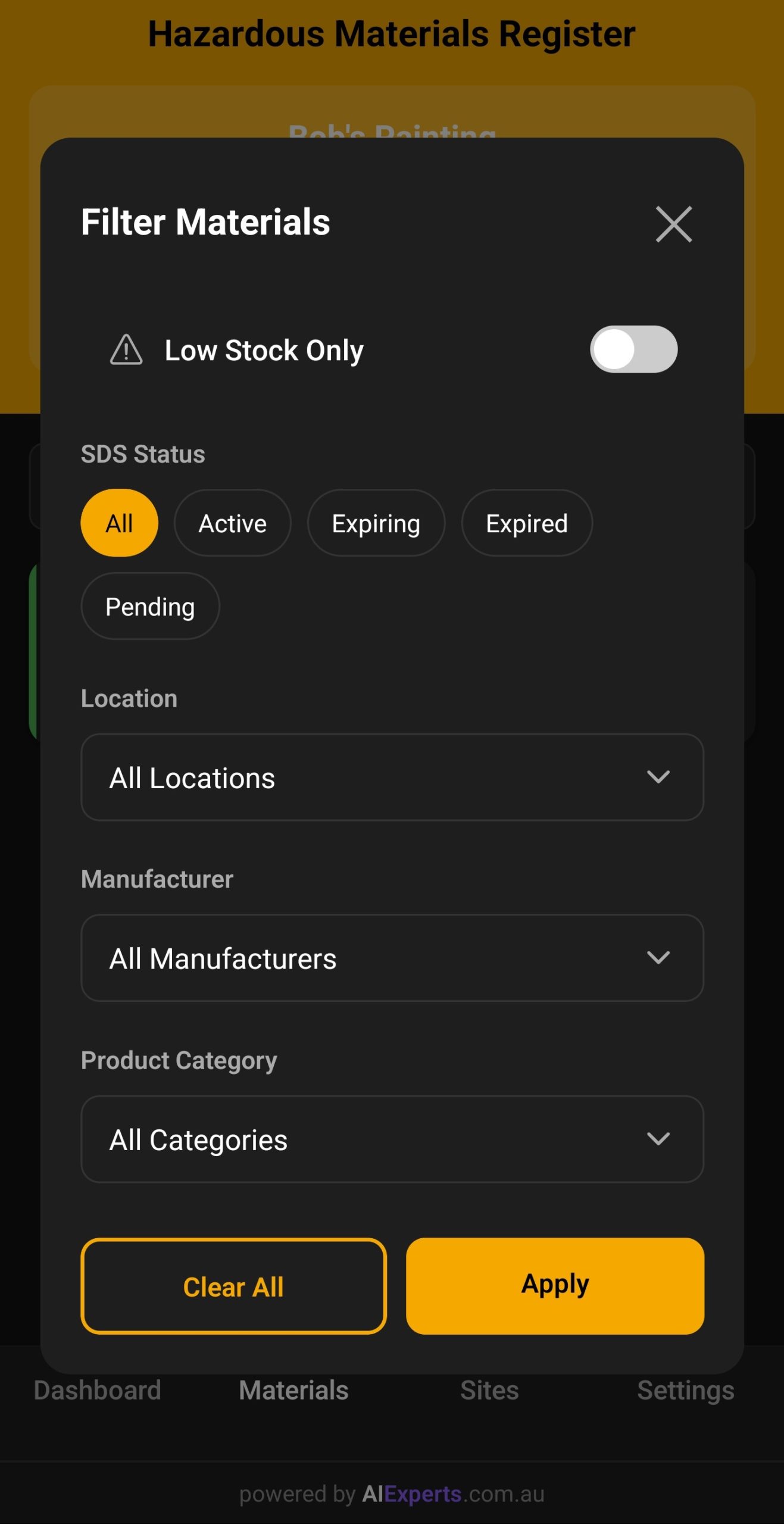
Find any material instantly with powerful search and filter options. Never waste time scrolling through lists.
- Search by product name or manufacturer
- Search by UN number
- Filter by storage location
- Filter by product category
- Filter by SDS status (Active, Expiring, Expired)
- Low stock filter to identify materials running low
Ready to get started?
Download MyHazMate and start your 30-day free trial today.
Download Now